Your cart is empty.
Photo Transfer on Cotton Bag
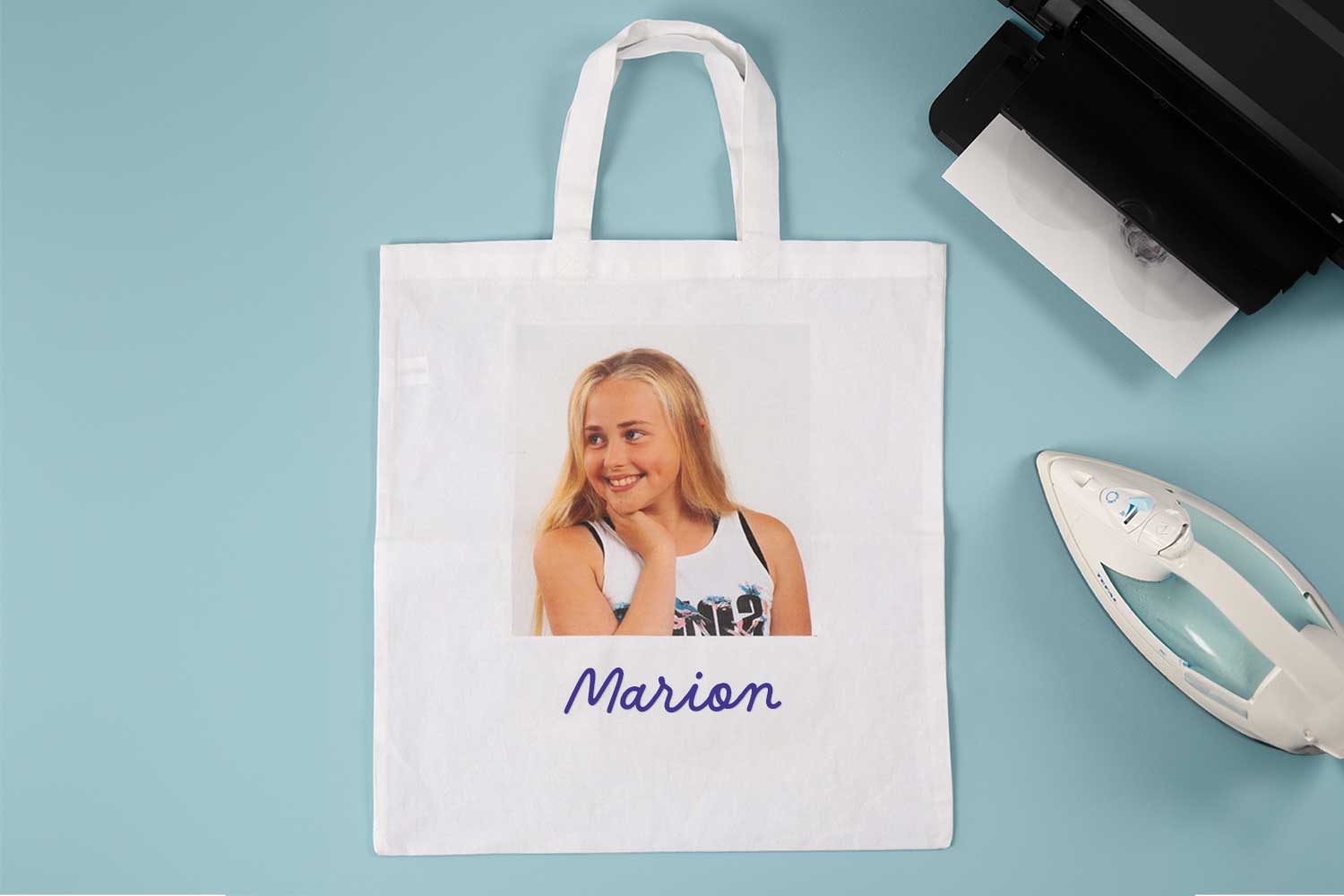
Photo Transfer on Cotton Bag



Add a personal and unique touch to your cotton bag by transferring a photo of your choice! This tutorial guides you through simple steps to achieve this image transfer, transforming a basic bag into an original accessory filled with memories. Whether for yourself or as a gift, this personalized bag with a special photo is perfect for showcasing your favorite moments or expressing your style. Follow the steps for a surprising result that is sure to impress!
Your transfer didn’t work?? Check these important points:
- Is your iron set to the maximum, in dry mode and without steam?
- Don’t wait more than 30 seconds between finishing the ironing and removing the protective sheet.
- Your fabric is light, smooth, and clean.
- Your work surface is firm and smooth.
- Did you print your design using an inkjet printer and not a laser printer?
How to make this craft step-by-step:
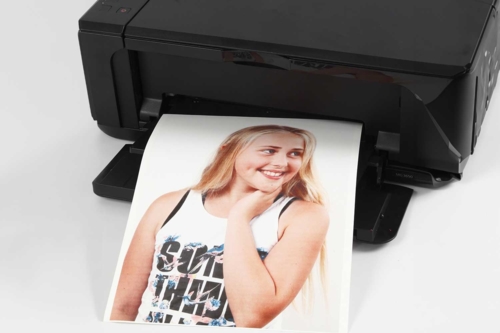
Step 2
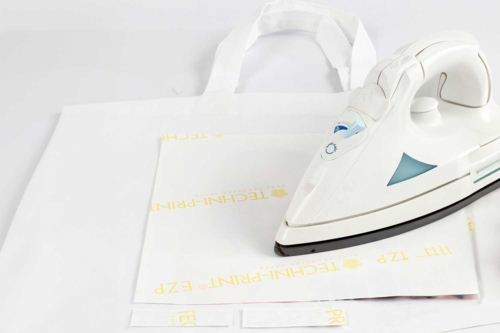
Place the cotton bag on a smooth, hard, and heat-resistant surface.
Set the iron to the maximum heat, with no steam!
Position the drawing face down against the fabric. Hold it with the iron, and press down for about a minute while applying firm pressure across the entire surface to be transferred.
Tip: You can trim around the transfer design, leaving no margin, before transferring it.
Step 3

Let cool for 30 seconds, then gently remove the protective sheet.
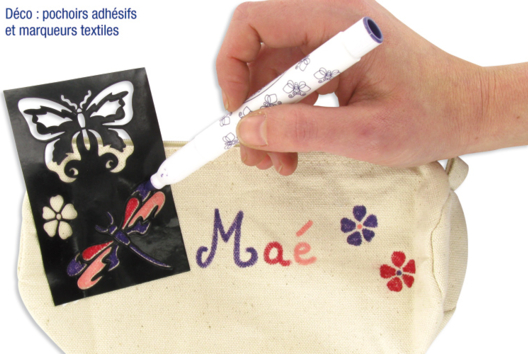
Personalize the bag by adding the first name to the bag with a fabric marker!
Washing Instructions:
Wash the fabric inside out
Wash at 30°C
Do not tumble dry
Do not use bleach
Materials Needed:
Materials Needed:

29,90€ (either 2,99 € / pc)
Available


Other tutorials on the theme "Sewing Tutorials"









 5/5


Customer review
Give your feedback
Photo Transfer on Cotton Bag
Be the first to share your review of this product.
Post a review